
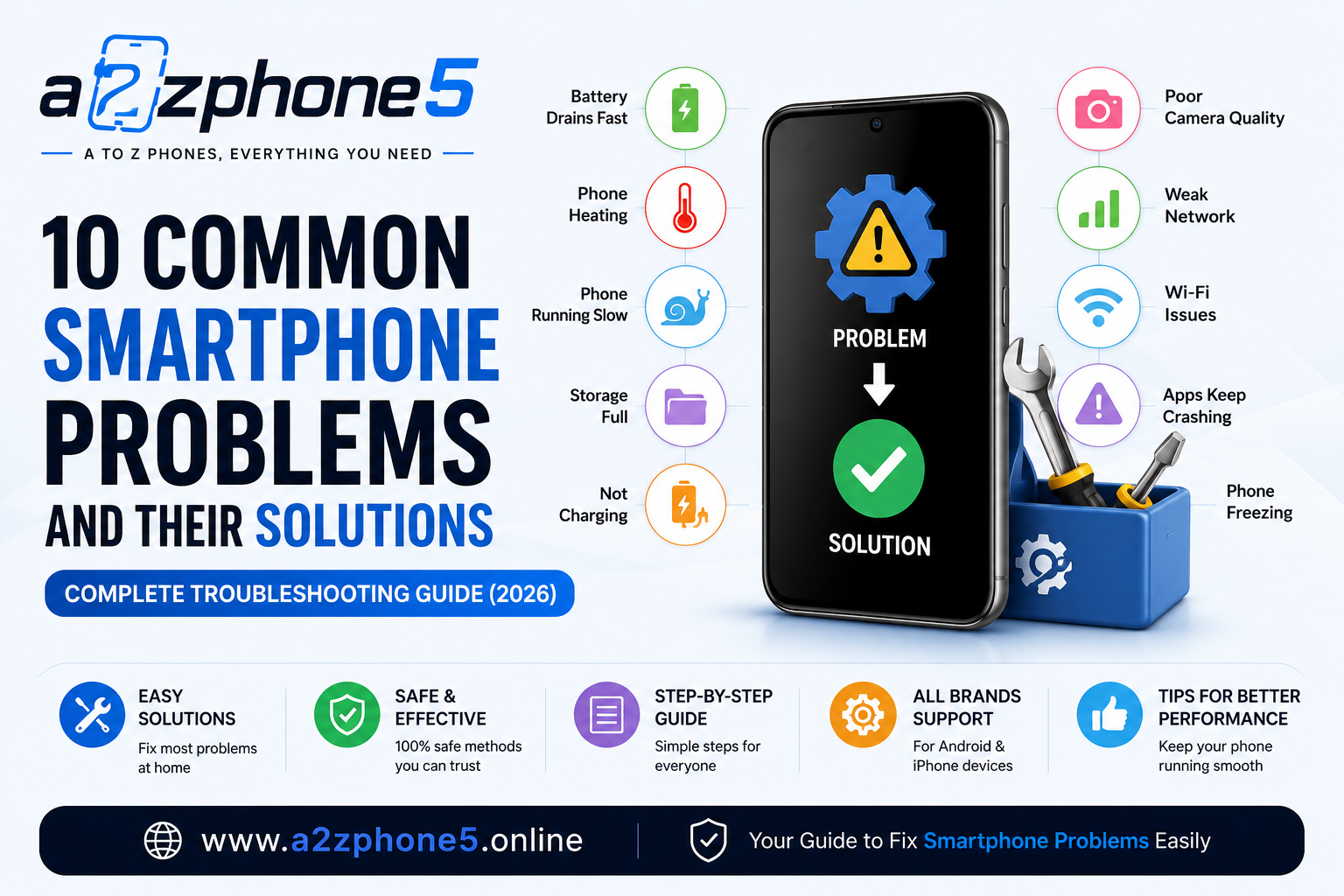
10 Common Smartphone Problems and Their Solutions (2026) – Complete Troubleshooting Guide and Learn how to fix the most common smartphone problems, including battery drain, overheating, slow performance, charging issues, camera problems, Wi-Fi errors, and more with this complete troubleshooting guide.
Published: July 3, 2026
Author: a2zphone5
Category: Smartphone Tips & Tricks
Introduction
Smartphones have become an essential part of our daily lives. Whether you use your phone for work, online classes, gaming, photography, or social media, even a small issue can be frustrating.
The good news is that many common smartphone problems can be solved at home without visiting a service center. In this guide, we’ll explore the most frequent mobile issues and practical solutions that work for Android and iPhone users alike.
1. Phone Battery Drains Too Fast
Possible Reasons
- High screen brightness
- Background apps running continuously
- GPS and Bluetooth always enabled
- Old battery health
- Heavy gaming
Solutions
✔ Reduce screen brightness.
✔ Turn on Battery Saver Mode.
✔ Close unused apps.
✔ Disable GPS, Wi-Fi, and Bluetooth when not required.
✔ Update your phone software.
✔ Replace the battery if it has significantly degraded.
2. Phone Heating Problem
Overheating is one of the most common smartphone issues.
Causes
- Long gaming sessions
- Charging while using the phone
- Direct sunlight
- Too many background apps
Solutions
✔ Remove the phone cover while charging.
✔ Avoid using the phone during charging.
✔ Keep the phone away from direct sunlight.
✔ Restart the device regularly.
✔ Install software updates.
3. Phone Running Slow
A slow smartphone affects daily productivity.
Reasons
- Low storage
- Too many installed apps
- Old software
- Background processes
Solutions
✔ Delete unused apps.
✔ Clear cache files.
✔ Keep at least 15–20% storage free.
✔ Restart the phone weekly.
✔ Update the operating system.
4. Storage Full
Many users receive the “Storage Almost Full” notification.
Fix
✔ Delete duplicate photos.
✔ Remove unwanted videos.
✔ Uninstall unused applications.
✔ Transfer files to cloud storage or a computer.
✔ Clear app cache.
5. Phone Not Charging Properly
Possible Causes
- Damaged charging cable
- Dirty charging port
- Faulty charger
- Software issue
Solutions
✔ Check the charging cable.
✔ Clean the charging port carefully.
✔ Use the original charger whenever possible.
✔ Restart the phone before charging again.
6. Poor Camera Quality
Sometimes photos appear blurry or dull.
Solutions
✔ Clean the camera lens.
✔ Update the Camera app.
✔ Avoid digital zoom when possible.
✔ Use Night Mode in low light.
✔ Tap to focus before taking photos.
7. Weak Network Signal
Poor network affects calling and internet speed.
Solutions
✔ Enable Airplane Mode for 10 seconds and turn it off.
✔ Restart the phone.
✔ Update carrier settings if available.
✔ Move to an area with stronger signal coverage.
✔ Reinsert the SIM card.
8. Wi-Fi Not Connecting
Solutions
✔ Restart your Wi-Fi router.
✔ Forget the Wi-Fi network and reconnect.
✔ Restart the smartphone.
✔ Check if Airplane Mode is disabled.
✔ Reset network settings if necessary.
9. Apps Keep Crashing
Reasons
- Outdated apps
- Software bugs
- Low memory
Solutions
✔ Update the app.
✔ Clear app cache.
✔ Restart the device.
✔ Reinstall the application.
✔ Update your phone software.
10. Phone Freezing or Hanging
Solutions
✔ Force restart the device.
✔ Remove unnecessary apps.
✔ Keep storage available.
✔ Update the operating system.
✔ If the issue continues, back up your data and perform a factory reset.
Bonus Tips for Better Phone Performance
- Restart your phone once every few days.
- Keep software and apps updated.
- Install apps only from trusted sources.
- Avoid filling storage completely.
- Use a quality charger and cable.
- Back up important data regularly.
- Protect your phone with a strong case and screen protector.
When Should You Visit a Service Center?
If your phone has any of the following issues, professional repair may be required:
- Cracked display
- Water damage
- Battery swelling
- Charging port damage
- Camera hardware failure
- Motherboard issues
- Phone not turning on
Do not attempt to repair internal hardware yourself unless you have the proper expertise.
Final Verdict
Most smartphone problems are caused by software settings, storage issues, or normal wear and tear. Regular maintenance—such as keeping your phone updated, managing storage, and using genuine accessories—can prevent many of these issues.
If simple troubleshooting does not solve the problem, consult the device manufacturer’s authorized service center for diagnosis and repair.
Frequently Asked Questions (FAQs)
Why is my phone battery draining so quickly?
Common reasons include high screen brightness, background apps, location services, poor network conditions, and battery aging.
Why is my smartphone overheating?
Gaming, fast charging, direct sunlight, and running multiple heavy apps at the same time are common causes.
How can I make my phone faster?
Free up storage, uninstall unused apps, clear cache, update the software, and restart your phone regularly.
Is it safe to use third-party chargers?
It’s generally safer to use the original charger or a certified charger from a trusted brand to reduce the risk of charging issues.
How often should I restart my smartphone?
Restarting your phone once every few days can help clear temporary processes and maintain smooth performance.
Leave a Reply